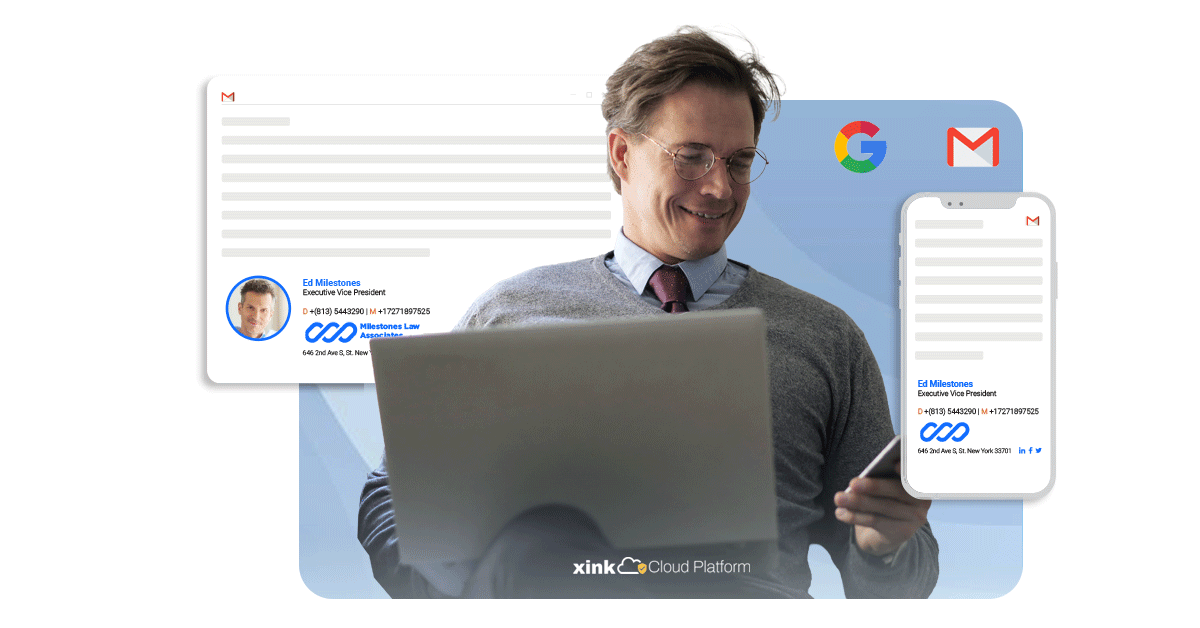
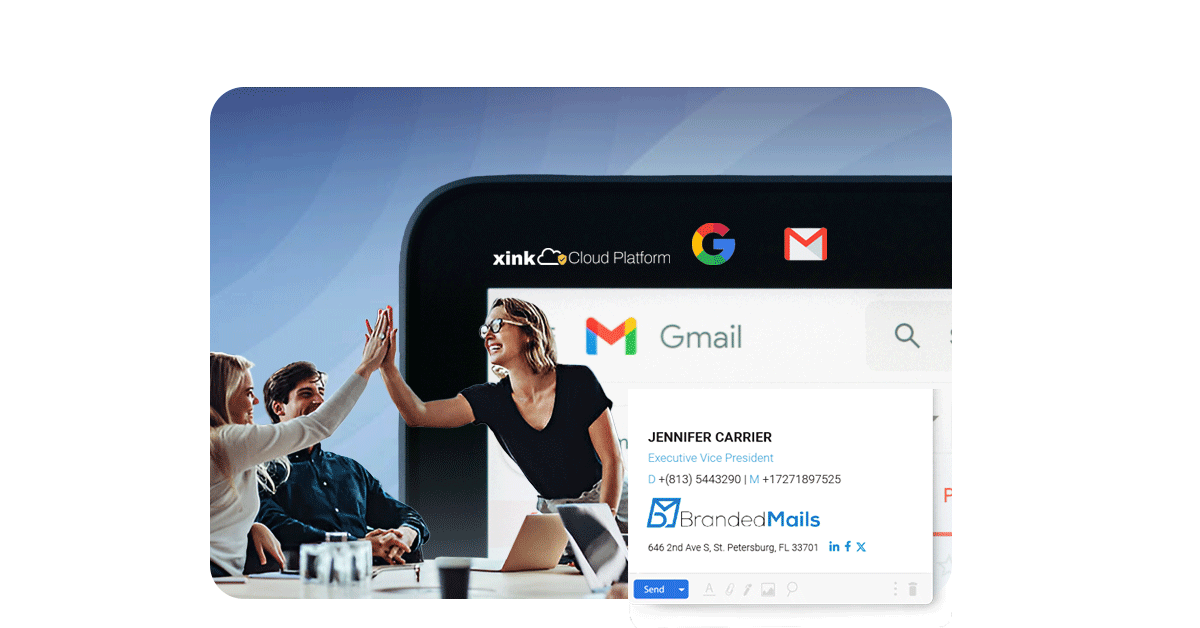
A professional email signature is more than just a sign-off—it’s an opportunity to leave a lasting impression. With Google Workspace email signature management, you can ensure:
Maintain uniform branding for all employees, regardless of location or departmen
Dynamic Content Updates
Instantly update marketing banners, promotions, or legal disclaimers.
Compliance Assurance
Automatically include legal disclaimers and necessary information.
Effortless Deployment
Centrally manage email signatures and roll out changes quickly.
Compliance and Control
Ensure all email signatures adhere to corporate branding and legal requirements.
Seamless Gmail Integration
Easily integrate with Gmail, the centrepiece of Google Workspace.
Google Workspace Email Signature Management
How to Update Email Signatures in Gmail
Easily update your Gmail email signatures with Xink! Our simple guide helps IT admins integrate professional email signatures into Google Workspace. Ensure consistent branding across your organization in just a few steps.For step-by-step details, check out→
1. Design Your Signature: Use our intuitive editor or upload your own → Learn more.
2. Connect with Microsoft 365: Sync user data effortlessly → Learn more. 3. Deploy Across Your Organization: Apply signatures instantly to all users → Learn more.
With the 365 add-in (Approved by Microsoft) seamlessly integrated with Microsoft 365, you can manage Outlook email signatures effortlessly across all devices and platforms in real time.
"Xink has transformed the way we manage email signatures in Microsoft 365. It delivers consistent branding across every message while streamlining the entire process - an essential solution for any modern organization."
Team of Google Workspace users ★★★★★
Works Seamlessly and is very easy to administer. I have been a user of Xink for 3+ years now. I love being able to send a link to the employee where they follow simple instructions to get it setup and going on their own. Absolutely the best signature management, we use Office 365 and Outlook as well as Outlook online.
Mark M.
Operations Manager at LEHR
Convenient and easy to use.The functionality is great and the tool is very easy to use. I’ve used it across two different companies – one time as a purchaser/administrator and one time as a user. Very easy to manage as an admin as well.
Arphine B
Project Director
Works with services you already use
We confidently offer the best price. No contracts needed.